Build any Post Grid
visually with Elementor
Create News, Blog, Portfolio, Team, Event & WooCommerce Product grids with 16+ preset layouts, AJAX filters, Load More & Infinite Scroll — without coding.

Key Features
Elementor Post Grid Widget
by Flexi Post Grid
Built for both beginners and developers, Flexi Post Grid offers complete design control with a wide range of layout types including full-width grids, list views, and classic grid views—all equipped with deep styling options. Its seamless Elementor integration, fast AJAX performance, and multipurpose capabilities make it the ultimate Elementor Post Grid Widget for crafting interactive and engaging content grids.
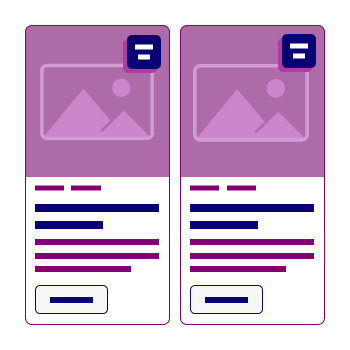
To make things even easier, Flexi Post Grid comes with 16 unique pre-designed grid styles. Simply select your preferred layout from the grid style options and customize it to match your brand and content goals—saving you time while delivering stunning results.
- All
- Key Features
16 Pre-Designed Grid Styles
Choose from 16 modern, professionally-designed grid templates to quickly get started with the Elementor Post Grid Widget.

Ultimate Grid Customization —
No Code Needed in the Elementor Post Grid Widget
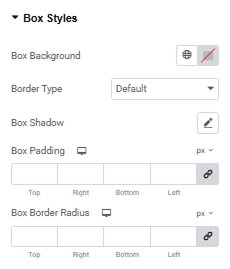
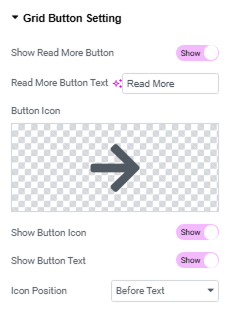
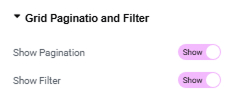
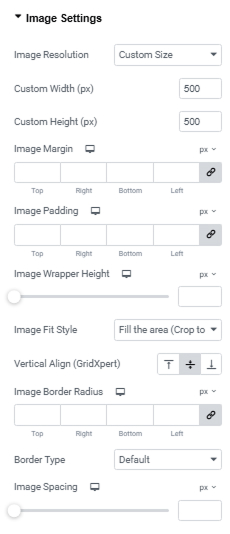
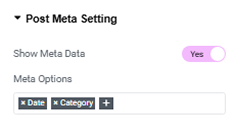
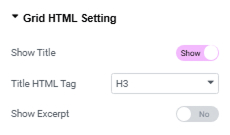
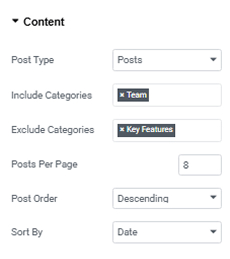
Flexi Post Grid empowers you with a wide range of intuitive customization options, all within a user-friendly interface. From content filtering and pagination to advanced image styling, meta settings, and button controls — every element of your grid is fully configurable. Easily adjust image size, alignment, spacing, hover effects, and more without writing a single line of CSS.
Whether you’re showcasing blog posts, team members, or featured items, Flexi Post Grid lets you build unique and professional grids in minutes — all through simple visual controls. Everything you need to create stunning layouts is built right into this Elementor Post Grid Widget, giving you complete design freedom without any technical complexity.

Interactive Image Animations
with Full Control
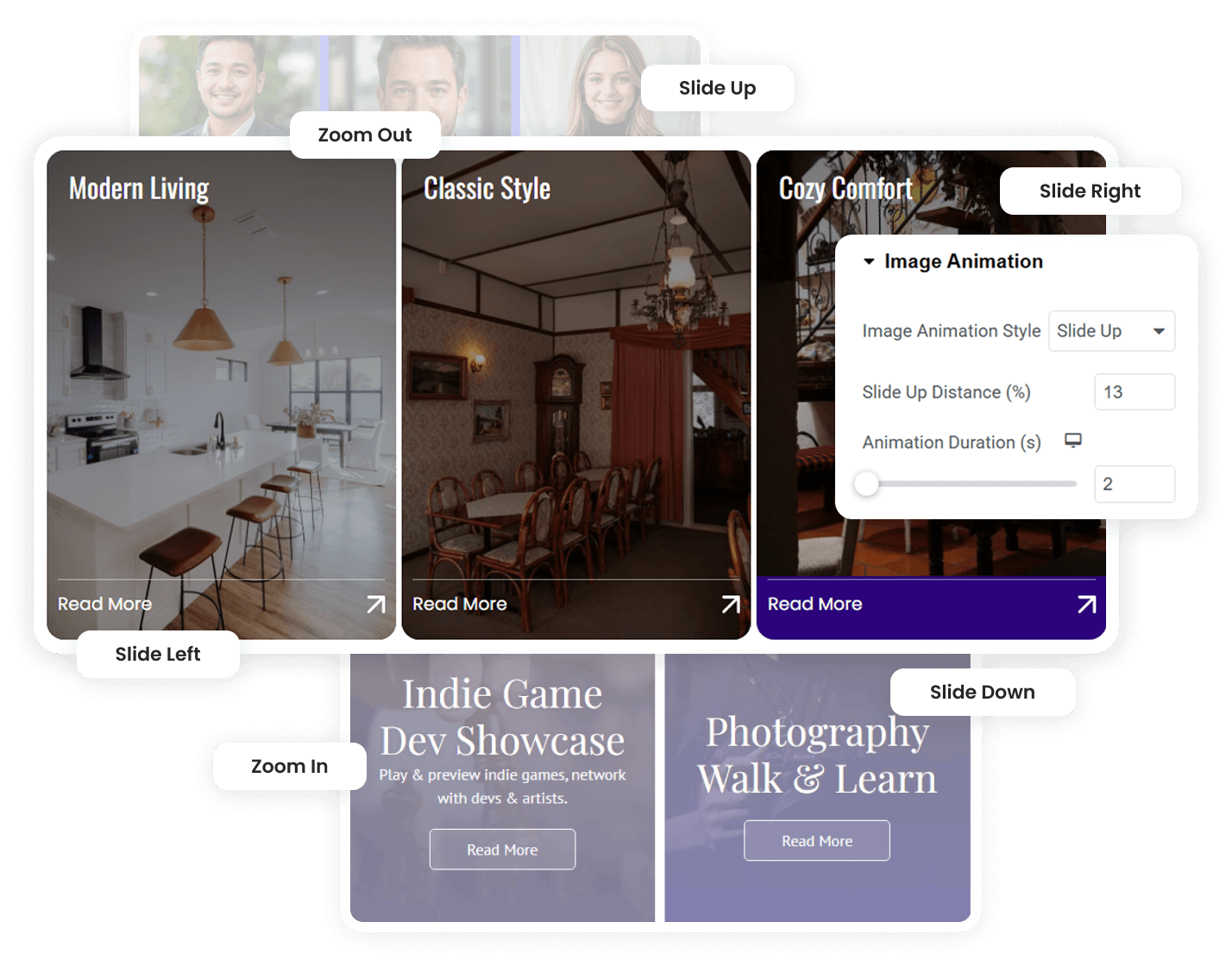
Flexi Post Grid includes powerful image animation effects that make your grid layouts more interactive and visually engaging. You can apply modern hover animations like Zoom In, Zoom Out, Slide Up, Slide Down, Slide Left, and Slide Right to create dynamic content presentation.
Each animation comes with flexible controls, allowing you to adjust animation distance and duration for smooth transitions. These settings help you fine-tune the visual experience and add a professional touch to your grid layouts without writing any custom code.

Multiple Layouts for Modern
News & Blog Grids
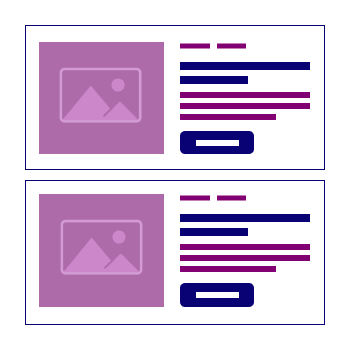
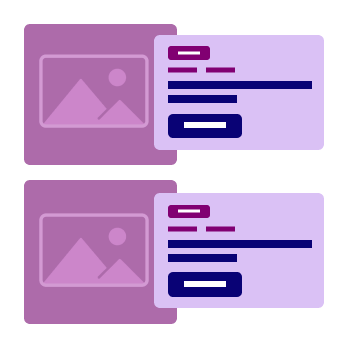
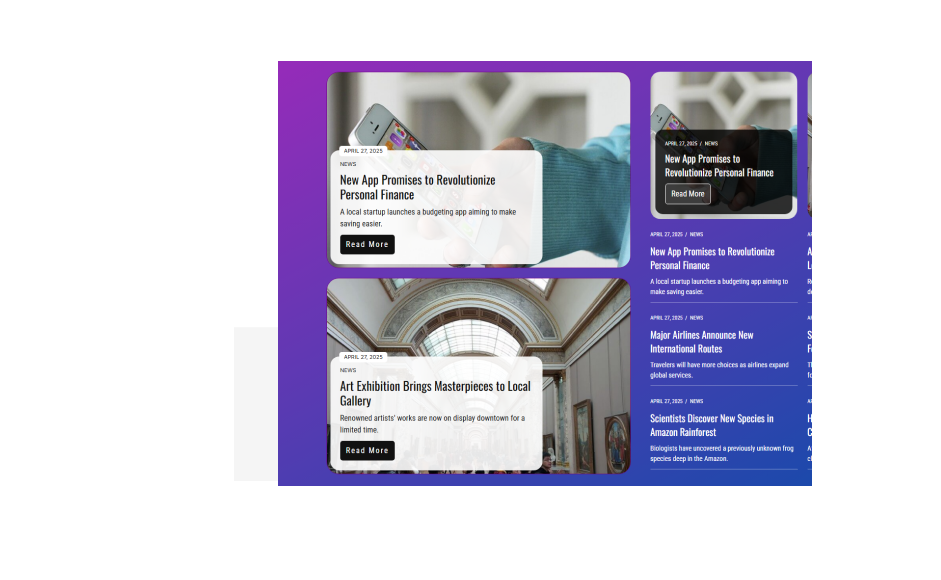
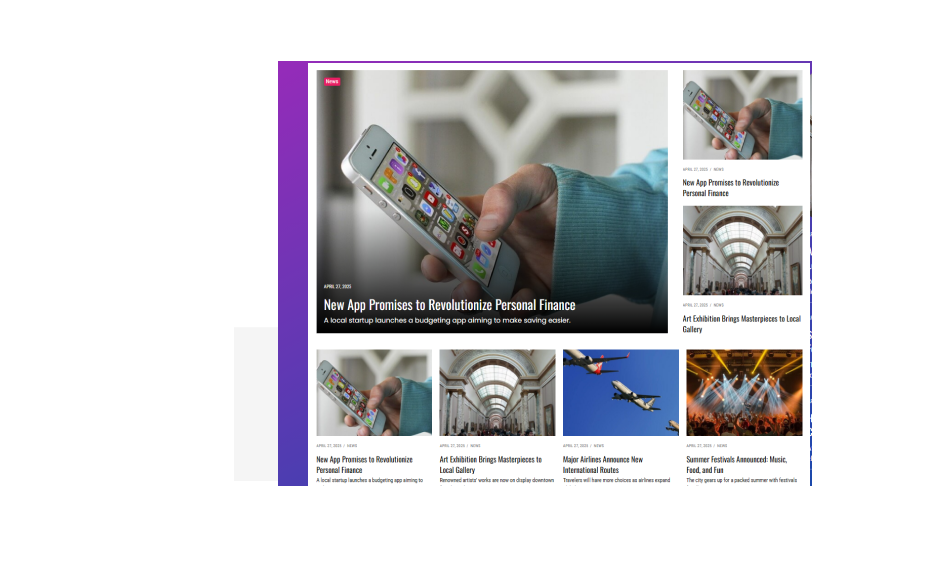
Flexi Post Grid offers multiple layout styles designed for modern blogs, news websites, and content-rich platforms. You can choose from different grid structures, including magazine-style layouts, list views, and featured post designs that highlight important content.
Each layout is fully responsive and customizable, allowing you to control thumbnail positions, typography, spacing, and button styles. These flexible layout options help you present articles, news, or blog posts in a clean and engaging way, making it easier for visitors to browse and discover your content.
Display Custom Fields Without Writing Code
Flexi Post Grid allows you to display dynamic custom field data inside your grid layouts without writing any code. You can easily add fields such as designation, contact details, pricing, location, or any custom information by simply entering the field key and label.
This feature makes it easy to create advanced grids for team members, real estate listings, business directories, or product details. Flexi Post Grid automatically pulls and displays the custom field data, helping you build rich and informative layouts directly inside Elementor.
Fully Customizable WooCommerce Product Grid Layout
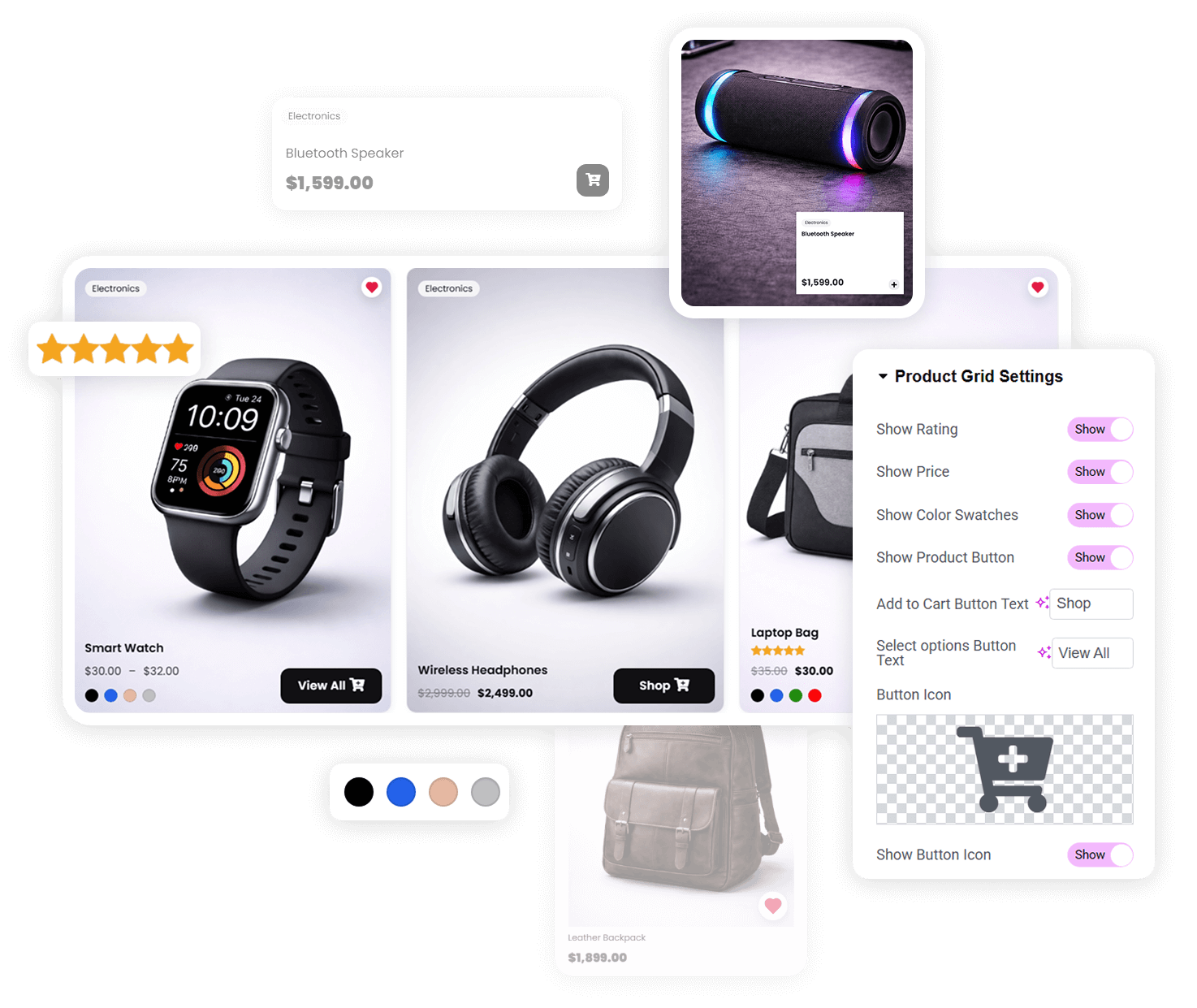
Flexi Post Grid allows you to create fully customizable WooCommerce product grids directly inside Elementor. You can control important product elements such as ratings, price, color swatches, wishlist icons, and action buttons. The plugin also lets you easily change button text and icons to match your store’s design and branding.
You can further customize grid colors, button styles, and overall layout appearance to create a modern and visually consistent product display. These flexible design controls help improve the shopping experience, making it easier for visitors to browse products and discover items quickly on your website.
Advanced AJAX Pagination and Category Filter Controls
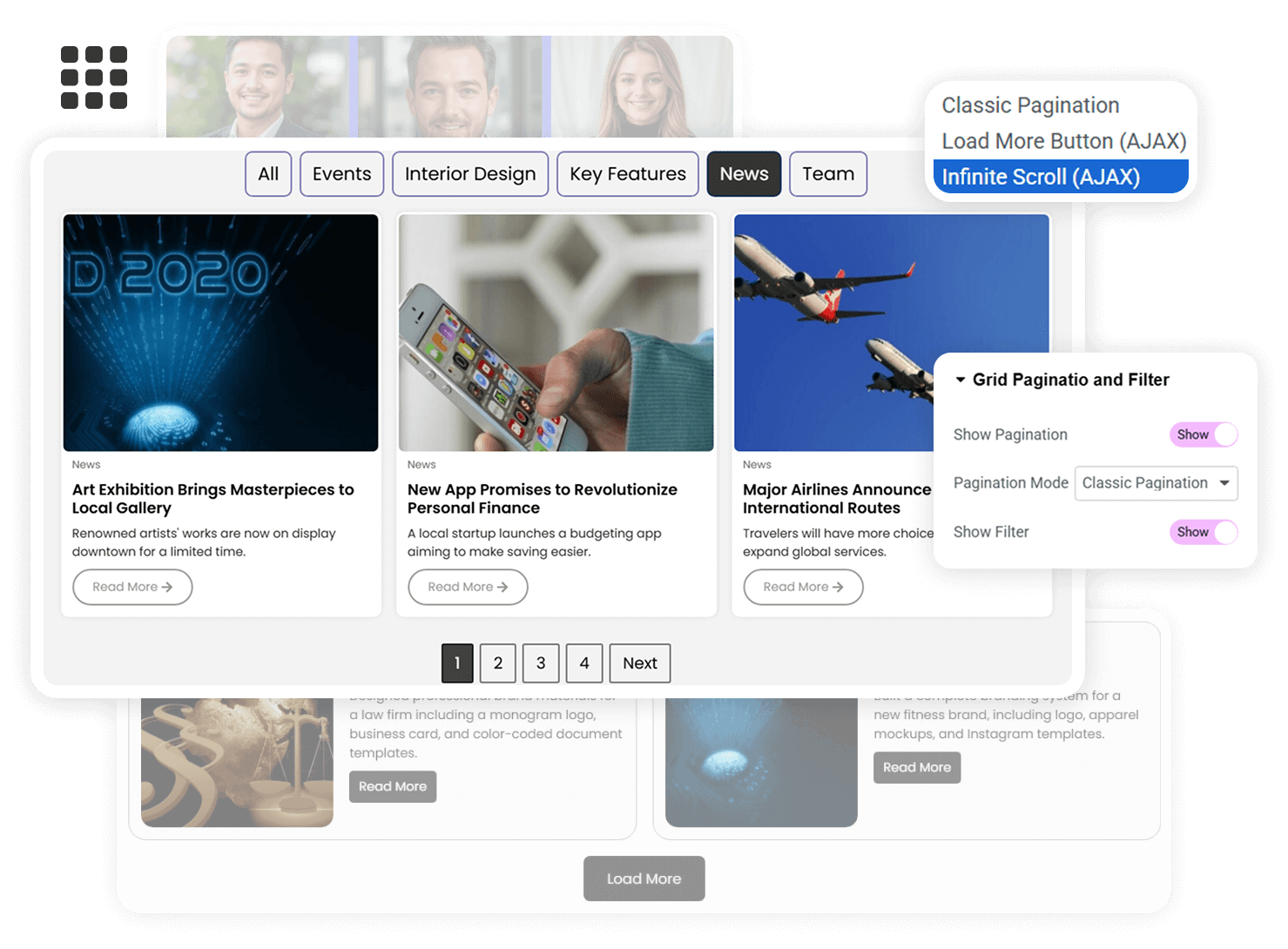
Flexi Post Grid includes advanced AJAX pagination and category filtering to help visitors browse content quickly and smoothly. You can choose between classic numbered pagination, a Load More button, or infinite scroll to control how posts or products appear on the page.
Users can also filter content by categories without refreshing the page, creating a fast and seamless browsing experience. These dynamic controls keep your grid modern and interactive while making it easier for visitors to explore and discover relevant content on your website.
Responsive Grid Slider with
Full Navigation Control
Flexi Post Grid allows you to convert any grid layout into a responsive slider with powerful navigation controls. With a simple slider option, you can enable autoplay, arrow navigation, dot pagination, and adjust slider speed for smooth content transitions.
The slider also supports responsive column settings, letting you control how many items appear on desktop, tablet, and mobile screens. This flexible carousel layout helps showcase posts or products in a modern, space-saving design while keeping the browsing experience smooth and engaging.
Frequently Asked Questions (FAQs)
Flexi Post Grid is built specifically for Elementor, including both the Free and Pro versions. It integrates seamlessly with the Elementor interface and follows its native control structure, so you can design and customize your grids visually without writing any code.
Yes. Flexi Post Grid includes powerful AJAX loading options such as category filters, Load More button, Infinite Scroll and classic pagination. These features load content without refreshing the page, providing a faster browsing experience and improving user engagement.
Absolutely. The plugin fully supports Custom Post Types and allows you to display custom fields created with any plugin. This makes it ideal for events, portfolios, WooCommerce products, directories, real estate listings and other dynamic content websites.
Yes. Flexi Post Grid is built with clean, lightweight and semantic markup to ensure fast loading and better search engine visibility. AJAX loading is optimized for performance, and the responsive structure ensures excellent Core Web Vitals across all devices.
Yes. You can design fully customized WooCommerce product grids with price, rating, variation swatches, hover image and add-to-cart functionality. It helps you showcase products in a modern layout that improves conversions and user experience.
Yes. Any grid can be converted into a fully responsive slider or carousel. You get complete control over slides per view, autoplay, navigation arrows, dots, speed and spacing to create interactive and compact content sections.
Yes. Flexi Post Grid provides separate column and layout controls for desktop, tablet and mobile. This ensures your grid looks perfectly structured and readable on every screen size.
Yes. You can set the display order for thumbnail, meta, title, excerpt and read-more button using simple order controls. This allows you to create multiple layout variations without changing the preset design.
Yes. You can enable an AJAX-powered category filter that allows users to instantly sort and view content without page reload. This is especially useful for large blogs, portfolios and product catalogs.
No. Flexi Post Grid is designed with a fully visual, no-code interface inside Elementor. All layout, styling and functionality settings can be controlled using intuitive options.
No. The plugin is performance-optimized and loads only the required assets. AJAX loading reduces server requests and improves page speed, ensuring smooth performance even with large content grids.
Yes. You can create and display multiple grids with different layouts, queries and filters on the same page without conflicts.
Yes. The plugin is actively maintained with new features, performance improvements and compatibility updates for the latest versions of WordPress, Elementor and WooCommerce.
Yes. We offer a 100% risk-free 30-day money-back guarantee. If the plugin does not meet your expectations, you can request a full refund — no questions asked.
✨ Build Stunning Grids with Flexi Post Grid
Flexi Post Grid is a powerful Elementor Post Grid Plugin for WordPress. It helps you create modern blog grids, news layouts, and portfolios with AJAX filters, pagination, and animations — all without writing a single line of code.
Elementor Post Grid Widget for WordPress – Flexi Post Grid
Build Beautiful AJAX Blog, News & Product Grids in Elementor