Once the plugin is installed and activated:
Step 1: Open Elementor Page Editor #
- Go to the page or post where you want to insert the grid.
- Click “Edit with Elementor”.
Step 2: Search for the Widget #
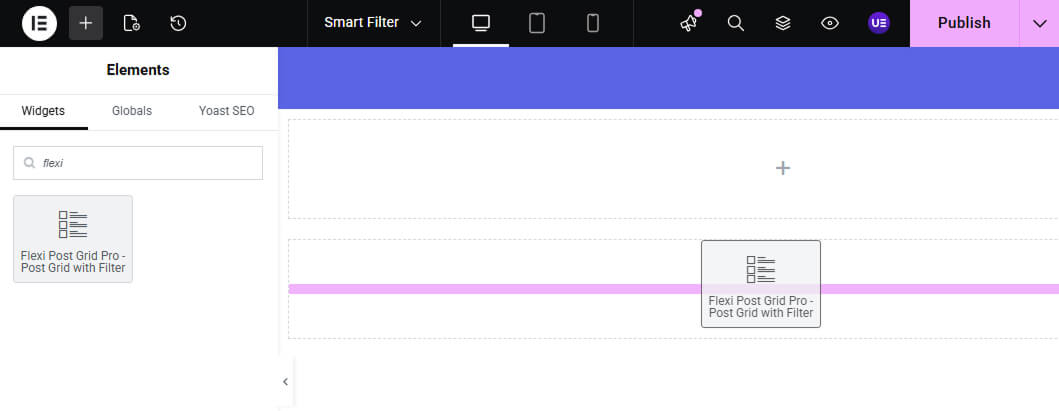
- In the Elementor sidebar, click on the search bar and type:
Flexi Post Grid - You will see the widget named:
Flexi Post Grid – Post Grid with Filter
Step 3: Drag and Drop the Widget #
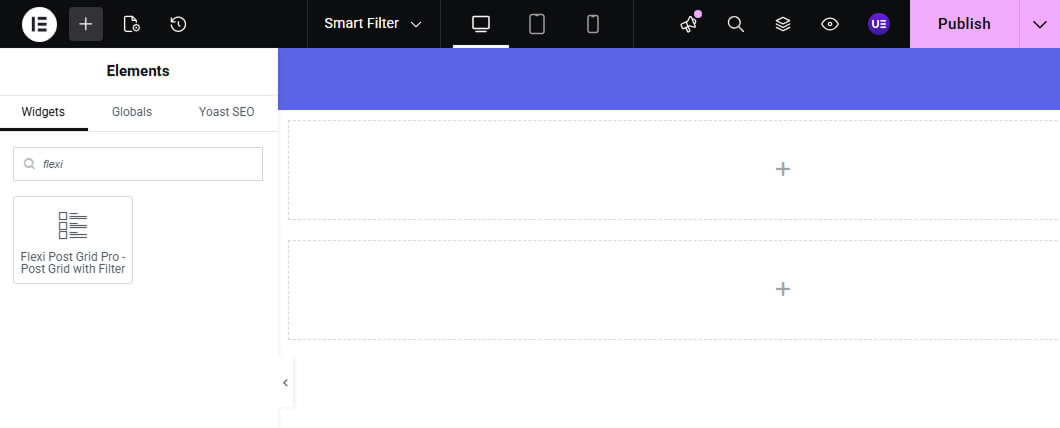
Drag the Flexi Post Grid – Post Grid with Filter widget onto your desired section in the page layout.